A record player for the music on your Mac.
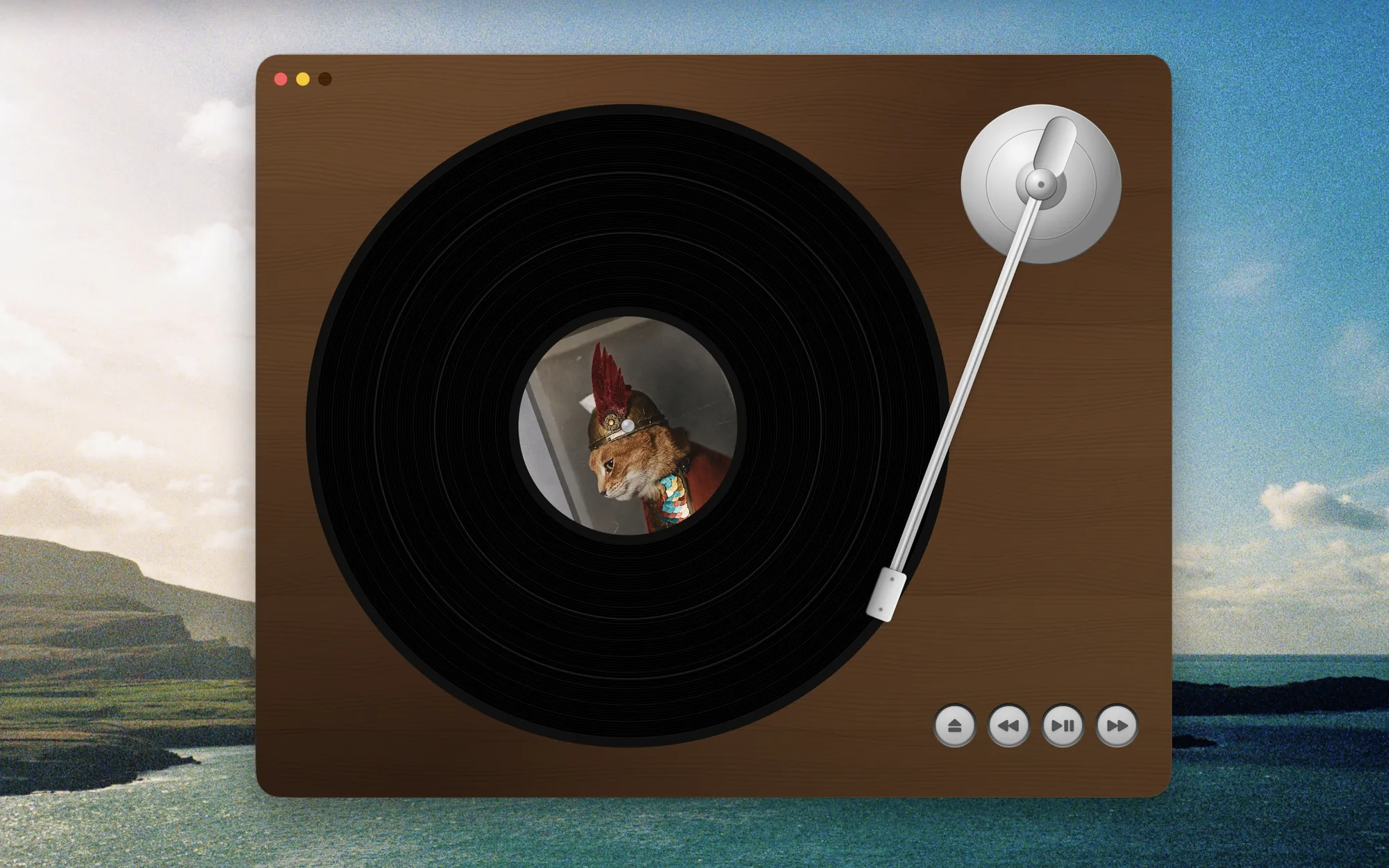
Scamp Micro Deck plays your albums the slow way. The platter spins up, the tonearm rides the grooves, and the record stops when it's over. It's a little tedious. That's the charm.

brew install grahamotte/tap/scamp-micro-deckFree. Version 1.8.8, for macOS 26.2 or later.
Side A
Putting on a record
- A1
An album is a folder
Point Scamp at a folder of songs and it plays them in filename order as one record, with the cover art from the same folder on the label.
- A2
Spin up, spin down
The platter takes a moment to get going when you press play, and the music winds up with it. Pause, and it winds back down.
- A3
Drop the needle⇧⌘
Drag the tonearm across the grooves to move through the album. Hold Shift or Command to land at the start of a track.
- A4
Hold the record
Press and hold on the record to slow it to half speed. Let go and it comes back up to speed.
- A5
The end of the side
When the last song finishes, the record stops. Get up and choose another one.
Side B
Living with it
- B1
A shelf for your records
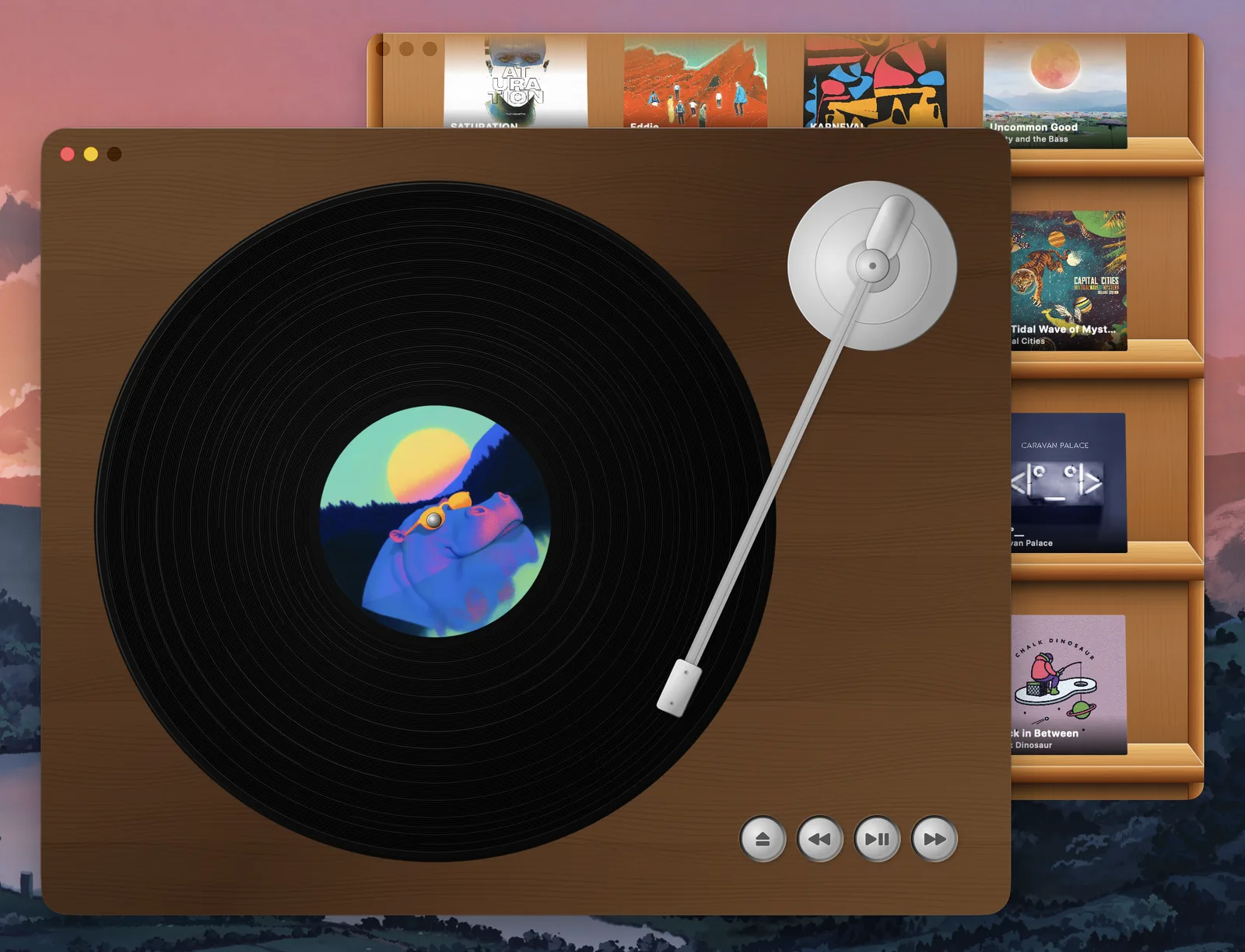
Press eject to open the shelf, and click a cover to put it on. Sort by artist, album, most played, or recently added.
- B2
Right where you left it
Quit and come back later. The last record is still on the platter, at the same track and the same spot.
- B3
Media keys work
Play, pause, and skip from your keyboard or Control Center, like any other player.
- B4
Nothing leaves your Mac
No account, no streaming, no subscription, no telemetry. Just the music you already have.
Your shelf, your records
Choose your music folder once, organized as artist, then album. Every album becomes a sleeve on the shelf, and the shelf stays open beside the turntable so switching records is quick.
Want to try it before pointing it at your library? Choose Help › Load Demo Album and a sample record goes right on.
Set the table
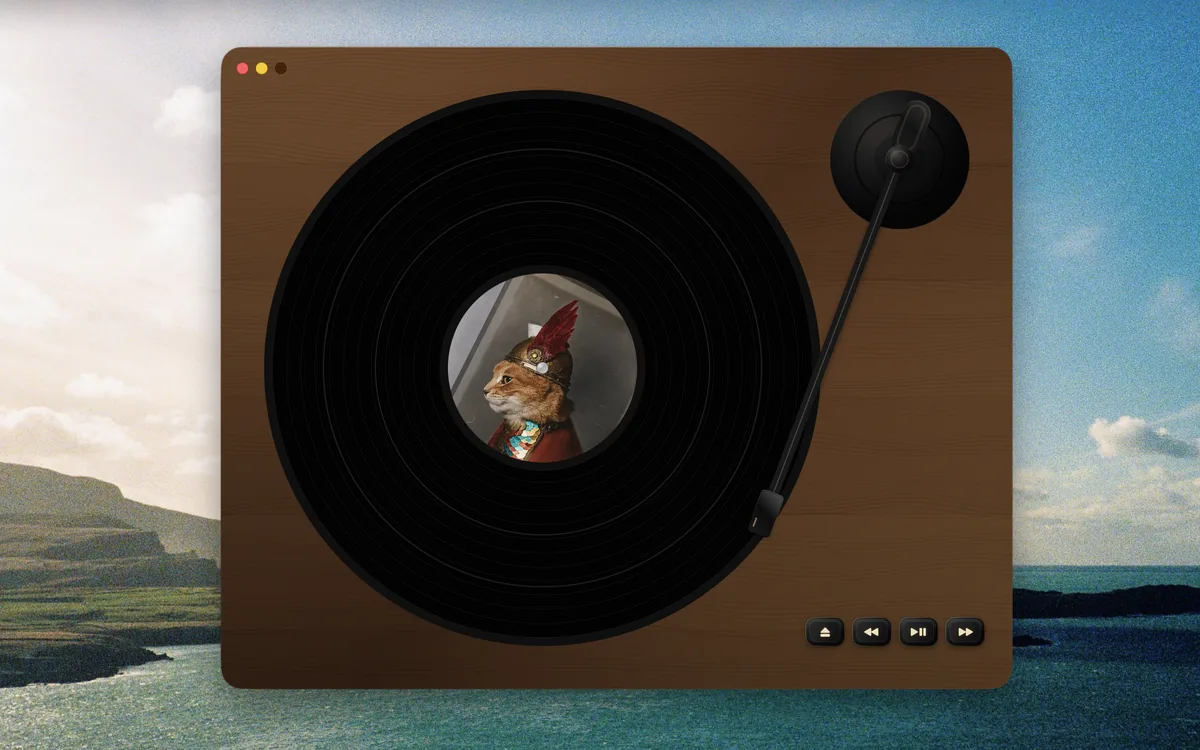
Pick the table, the record, and the controls from the Theme menu, or let Randomize Themes choose for you.
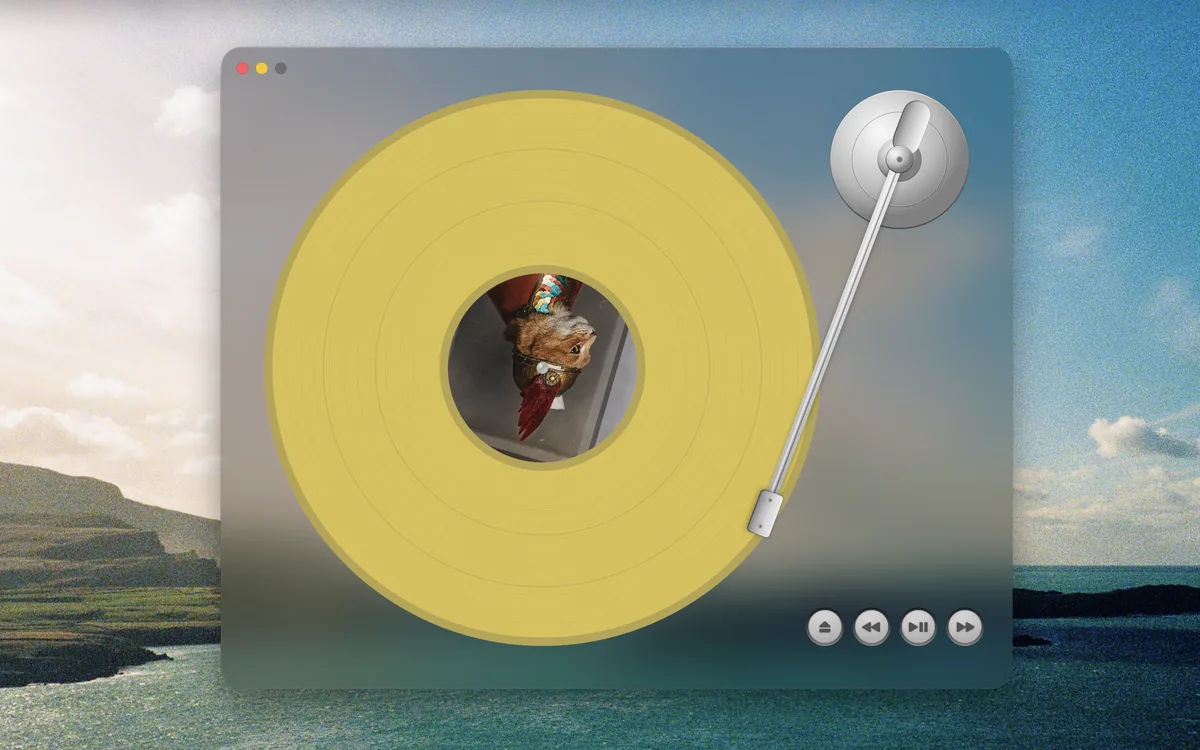
- Tables
- Walnut, Wood, Frosted Glass, Rainbow, White Marble, Black Marble
- Records
- Black, Yellow, Red, Pink Splatter, Blue Splatter
- Controls
- Silver, Black, Gold
Put on a record
From the Mac App Store, or with Homebrew.
brew install grahamotte/tap/scamp-micro-deck